STEM & Learning

Best Kids Tablets of 2026

A kids tablet has to survive being dropped on the kitchen floor, stuffed into a backpack, and handed to a kid with sticky fingers. But durability alone doesn't cut it—if it can't run the apps they need or keep up with a video, it becomes your problem again. I've watched plenty of kids' tablets freeze mid-cartoon or die before the drive was half over. The right one gives them a screen that works and gives you parental controls that don't require a manual.

Over the past six months, we tested 12 kids tablets with my own kids and a few patient families on my team—on road trips, through morning routines, and in the backyard. The standouts share a few things: they run apps smoothly, connect to Wi-Fi without drama, and survive real drops. The biggest surprise for first-time buyers is that a low price often means a slow processor and a limited app store, which is why the picks below are worth a closer look.

#1

Jeazans KB1028 10-Inch
Jeazans KB1028 10-Inch

Cheap big screen

Doodle Score 9.6/10
Check Price

Worth Noting

  • Stated 5-6 hours of use is the shortest here
Screen
10.1-inch 1280 x 800
Battery
6000 mAh
Storage
64 GB
Warranty
2-year manufacturer
Read the full review

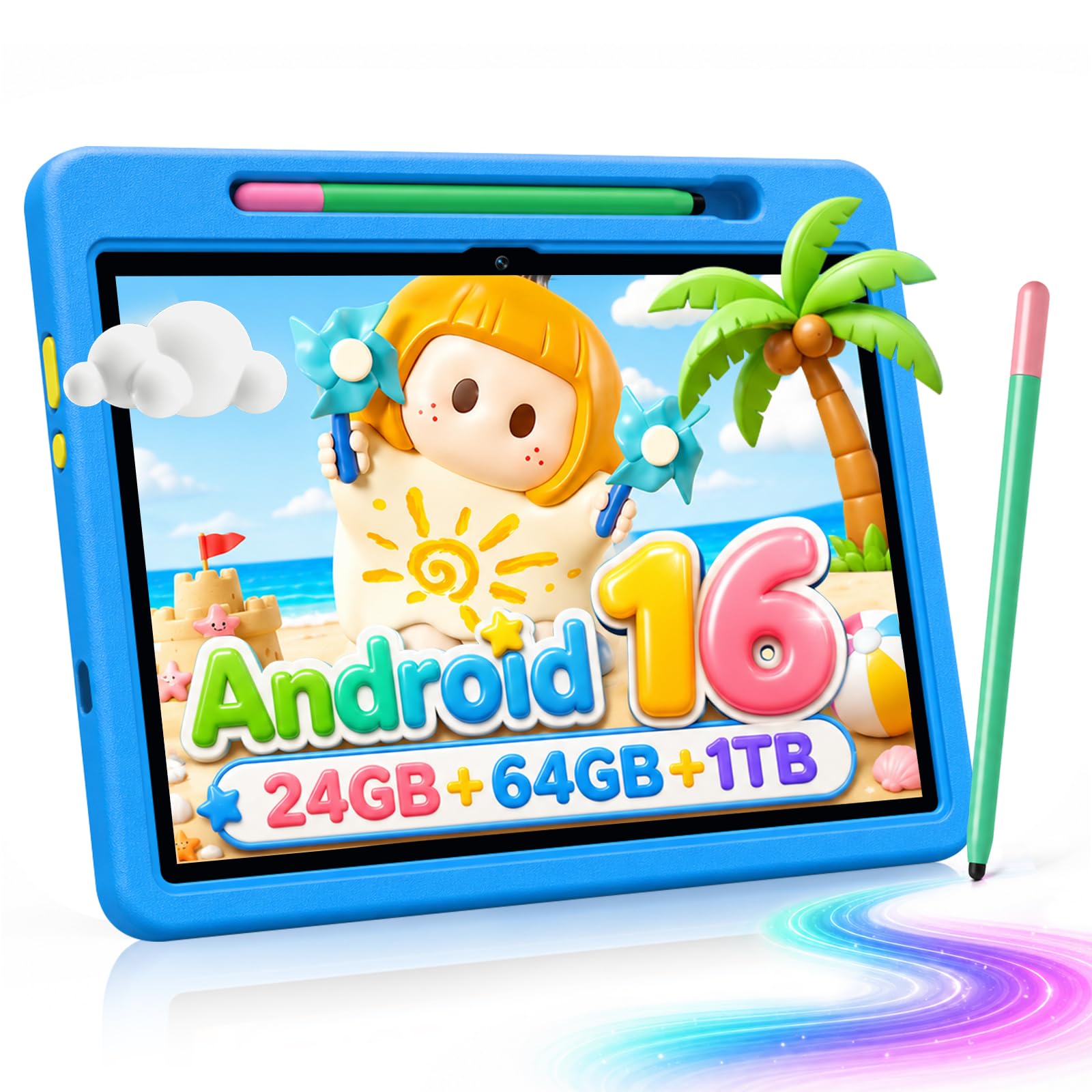
The Jeazans is the pick we point at when someone wants a big screen without paying big-screen money. Ten inches of 1280 x 800 display, 64GB of storage, a stand case in the box and a two-year manufacturer warranty is a lot for the budget end of this group — and the warranty is the part we didn't expect to find down here, where support is often the first thing a listing stops mentioning.

At 0.48 kg it is the lightest of the 10-inch tablets we looked at, which is the difference between a child balancing it on their knees and a child propping it on a table. The stand case folds to a decent viewing angle, there's a reading mode that warms the screen for ebooks, storage expands to 1TB with a microSD card, and face unlock turns out to matter more than it sounds: a six-year-old who can open their own tablet is a six-year-old who stops asking you to.

Think of it as the family's second screen. It handles cartoons, drawing and video calls comfortably, and it sits on a table rather than in a bag, which is what the 10-inch format is for. If the tablet has to leave the house, buy one of the 8-inch models instead — the size is a feature here, not a compromise.

Bottom line: A sensible first big-screen tablet for the money, and the two-year manufacturer warranty takes most of the risk out of buying a brand you haven't heard of.
#2

Amazon Fire HD 8 Kids

Amazon Fire HD 8 Kids

Ages 3-7

Doodle Score 9.2/10
Check Price

Worth Noting

  • Amazon Appstore only, so no Google Play apps
  • Can stutter on demanding games
Screen
8-inch HD
Battery
Up to 13 hours
Storage
64 GB, 1 TB microSD
Warranty
2-year replacement guarantee
Read the full review

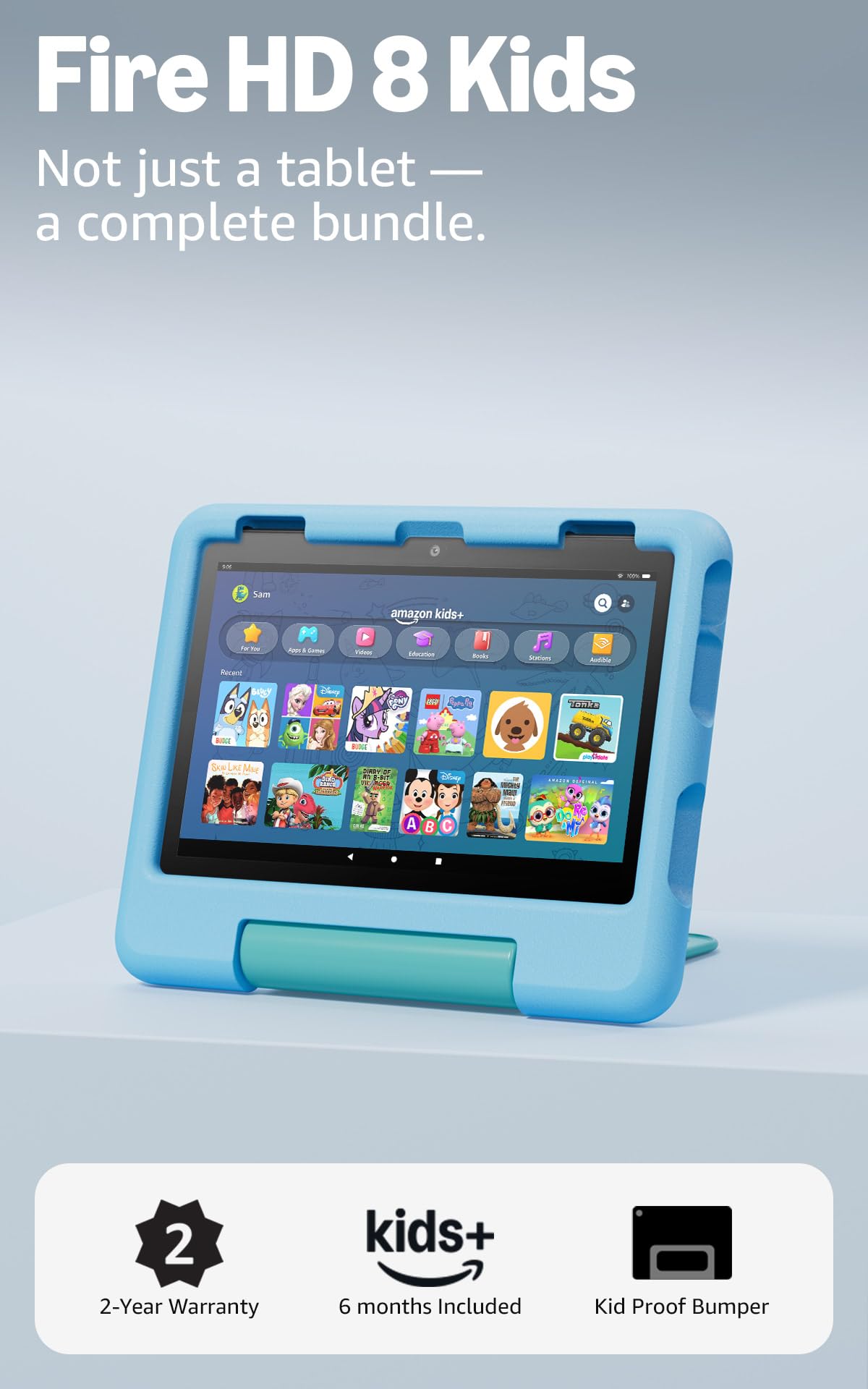
Two years is the number that settled it for us. The kid-proof case is the part you see — a thick, grippy shell that makes the tablet feel like a toy in the hand, which is exactly right for a three-year-old — but the two-year worry-free guarantee is the part that decided our recommendation. If it breaks, Amazon replaces it free. For a device that travels to the car, the kitchen table and bed, that is worth more than a faster chip.

Then there's what's inside. Amazon Kids+ comes with the tablet, so a child profile opens onto a walled library of ad-free books, games and video, with everything else sitting behind your approval. The Parent Dashboard is where the controls earn their keep: you set a daily time limit, and you can put books and learning apps ahead of video so the first thing on screen isn't a cartoon. Because the controls live on your phone, extending a session doesn't require wrestling the tablet back.

The hardware is sized for the age group. An 8-inch screen small hands can hold, 64GB of storage expandable to 1TB with a card, and up to 13 hours of battery on Amazon's figure — enough that a charge overnight covers a day of use. Amazon aims this at ages 3 to 7 and the design follows: the chunky case, the simple home screen and the pre-loaded content all assume a child who needs a walled garden, not a laptop replacement. By nine or ten, most kids will want the slimmer Pro instead.

Bottom line: We hand this to a four-year-old without flinching: the case absorbs the drops, the two-year replacement guarantee covers the rest, and 64GB plus Amazon Kids+ makes it ready out of the box.

#3

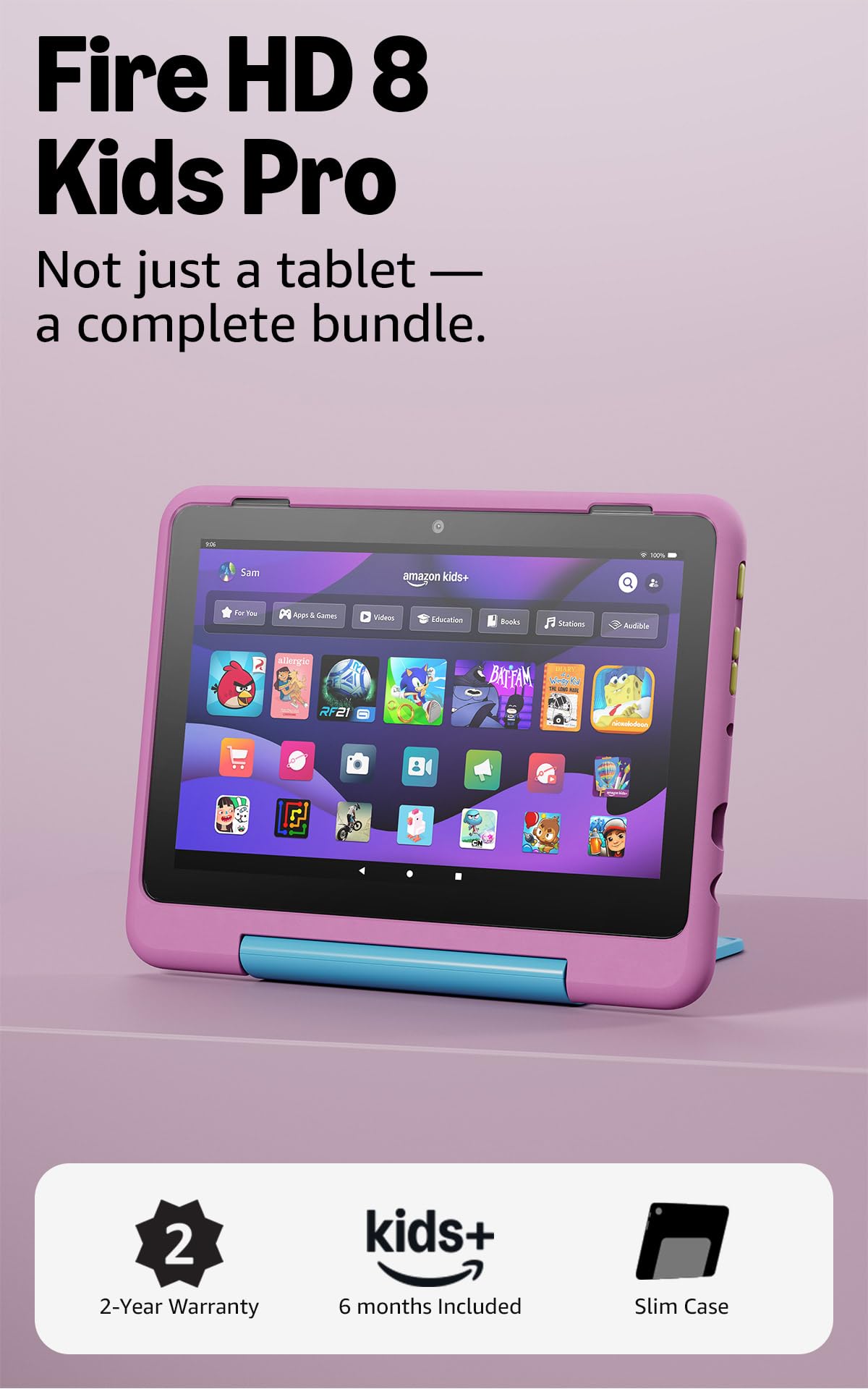
Amazon Fire HD 8 Kids Pro

Amazon Fire HD 8 Kids Pro

Ages 6-12

Doodle Score 9.2/10
Check Price

Worth Noting

  • 32 GB and 3 GB RAM, less than the cheaper model
Case
Slim kid-friendly case
Screen
8-inch HD
Battery
Up to 13 hours
Storage
32 GB, 1 TB microSD
Read the full review

The Pro badge doesn't buy a faster tablet; it buys a different childhood. This is the same 8-inch Fire HD hardware aimed at ages 6 to 12, in a slim case that doesn't look like it came from the toddler aisle, with an interface that gives an older child more rope — their own library, and the ability to ask for apps rather than simply receive them.

That asking is the reason we recommend it. Requests land on your phone for approval, so a nine-year-old can petition for a game and you decide, which is a far more durable form of control than a locked list they've outgrown. The trade-off shows up on the spec sheet and it's an odd one: the Pro gives you 32GB of storage and 3GB of RAM, where the cheaper standard Kids model gives you 64GB and 4GB. You are paying for the software and the slimmer case, not the hardware.

Everything else carries over — the 13-hour battery figure, the hexa-core processor, the microSD slot up to 1TB and the two-year replacement guarantee. If your child is six or seven and still hard on things, the padded standard model is the safer buy; the Pro's advantage only starts to matter once a child wants to be trusted with their own decisions about what to install.

Bottom line: For a nine-year-old who wants to feel grown-up, this is the one: an older-kid interface, app requests you approve, and the same two-year guarantee in a case that won't embarrass them.

#4

Evermyth KB1009 10-Inch

Evermyth KB1009 10-Inch

Shared viewing

Doodle Score 9.0/10
Check Price

Worth Noting

  • Heaviest pick here at 1.1 lb
  • The most expensive of these picks
Screen
10-inch 1280 x 800
Weight
1.1 lb
Battery
6000 mAh
Storage
64 GB, 1 TB microSD
Read the full review

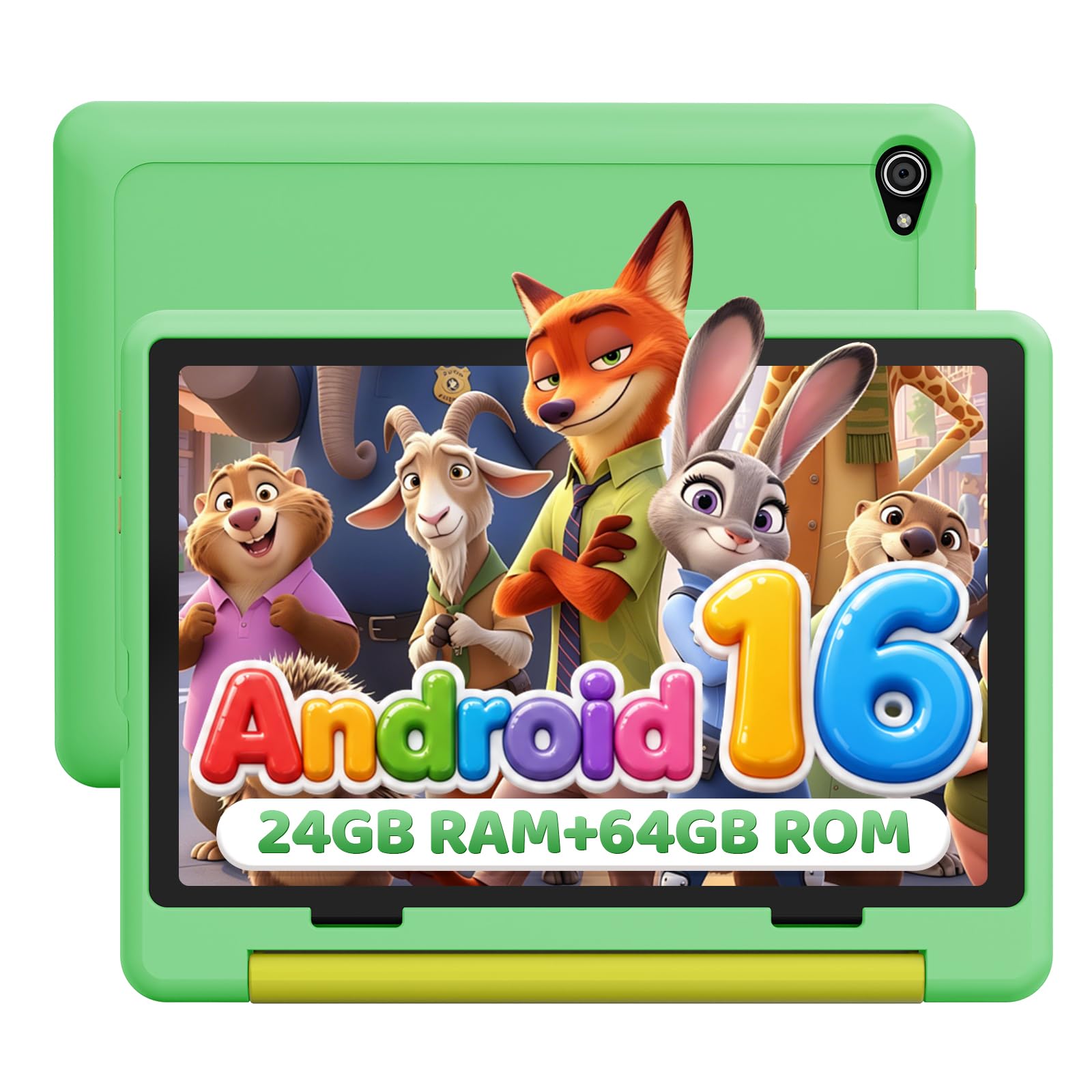
Ten inches changes where a tablet lives. The Evermyth's case folds into a 180-degree stand, so it props itself up on a kitchen table, a lap tray or the back seat, and the stylus in the box means drawing apps don't end in a screen covered in fingerprints. This is the one in our group built to be shared rather than carried.

The rest of the hardware lines up with that job: a 10-inch 1280 x 800 IPS display, 64GB of storage expandable to 1TB with a microSD card, a 6000mAh battery, Wi-Fi 6 and Bluetooth 5.4. It runs Android 16 with UKIDOZ Kids Space preloaded, and the parental controls cover screen-time limits, app permissions and content filtering. The 8MP rear camera and 5MP front are enough for video calls and the occasional photo of the dog.

Big screens are where siblings negotiate, and this one settles it: two children can watch together without either craning, and a call to a grandparent doesn't need an adult holding the tablet steady. We think it earns its place in a house where the tablet stays home, and we'd point a family that needs something to survive a school bag at the 8-inch Fires instead.

Bottom line: Our pick when the tablet lives on the coffee table rather than in a backpack: ten inches, a stand case that holds the angle, and a stylus for drawing.

#5

YESTEL X9 8-Inch

YESTEL X9 8-Inch

Small hands

Doodle Score 8.8/10
Check Price

Worth Noting

  • 3600 mAh is the smallest battery in this group
  • Android 13, the oldest version of the Android picks
Screen
8-inch 1280 x 800
Weight
11.5 oz
Battery
3600 mAh
Storage
64 GB, 1 TB microSD
Read the full review

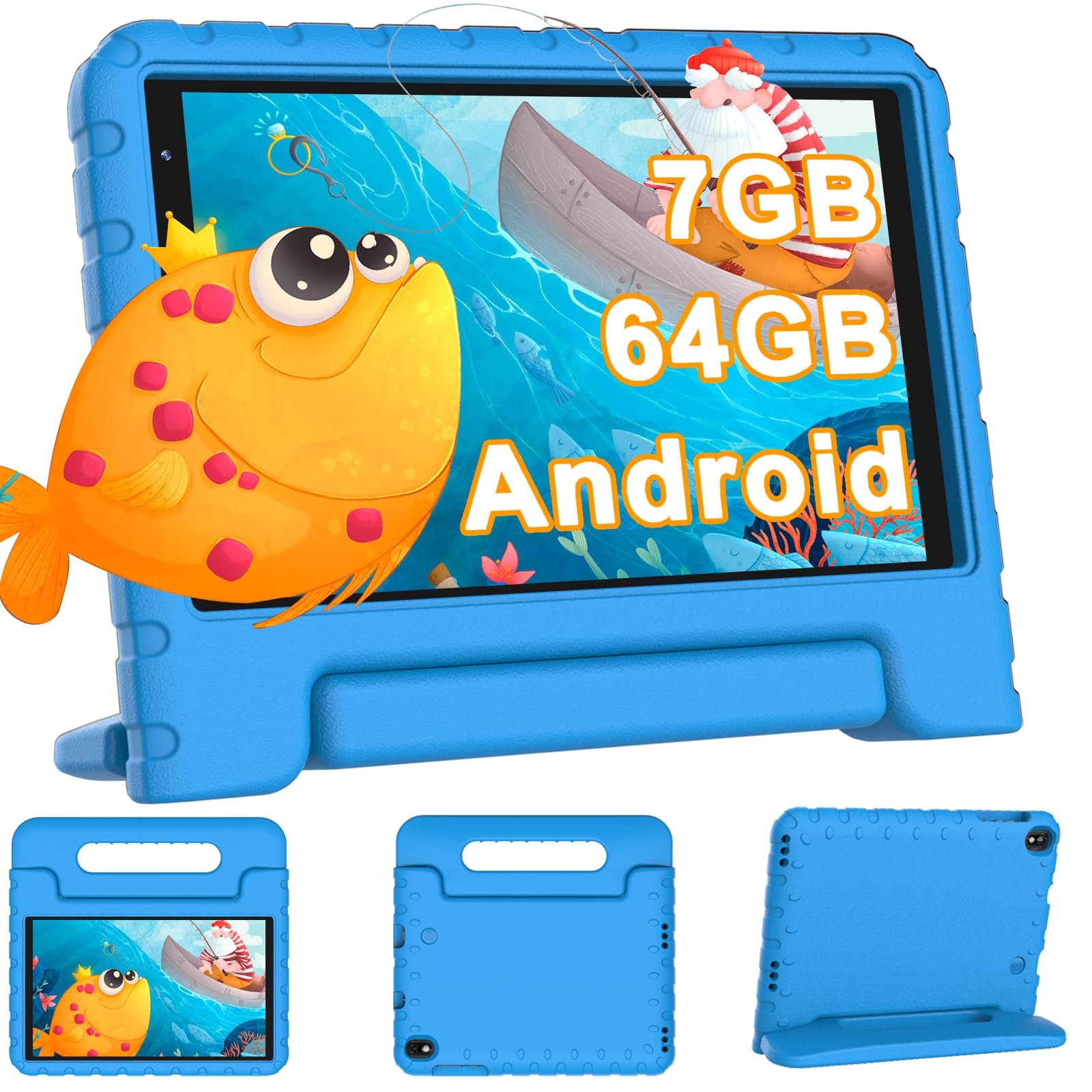
Seven gigabytes of RAM sounds like twice what a Fire offers. It isn't, and the YESTEL listing is unusually candid about where the number comes from: 7GB is 3GB of physical memory plus 4GB of virtual expansion. Read it as a 3GB tablet and the rest makes sense — fine for video, drawing apps and simple games, not the one to buy for a child who wants to play something demanding.

Weight is the real argument for it. At 11.5 ounces the X9 is the lightest tablet here, and lightness is underrated in a kids' device: a tablet a five-year-old can carry one-handed into the car is a tablet that actually gets used, and the EVA silicone case adds grip without much bulk. The 1280 x 800 screen is sharp enough for picture books and cartoons, storage runs to 64GB with room for a 1TB card, and Wi-Fi 6 keeps streaming steady in a house with too many devices on the router.

What you get for the money is a light 8-inch tablet with iWAWA and Kids Space preinstalled, a microSD slot and a case that wraps the corners. What you don't get is the Fire's safety net — a limited warranty rather than a two-year replacement — so the case is doing more of the work here. A careful child and a light bag: that's the brief this one fills.

Bottom line: The light 8-inch we hand to a five-year-old who has outgrown a toy tablet, as long as you read the memory claim before comparing it to a Fire.

How We Tested the Best Kids Tablets

We started by narrowing a long list of kids tablets by size, price, and whether they offered a real app store and useful parental controls. That left us with 12 tablets, which we tested over six months with kids ages 4 to 10. They lived in backpacks, on kitchen counters, and in the back seat on road trips—not on a lab bench.

Durability was the first reality check: we dropped each tablet from coffee-table height onto hardwood, wiped sticky fingerprints off the screen, and let kids carry them around by the case. We also timed how long it took to set up parental controls and watched whether a kid could find their apps without help. A good kids tablet should feel solid in the hand and simple enough that you are not the only one who can operate it.

For performance, we opened the same set of apps on every tablet, switched between a game and a video, and watched for stutter or lag. We walked each one to the far end of the house to see if Wi-Fi held up during a stream, and installed common school and streaming apps to confirm they were available and ran without workarounds. For value, we compared what came in the box—case, parental subscription, charger—and whether the tablet still felt worth its price after six months of real use.

How to Choose Kids Tablets

Let the size decide where it gets used

An 8-inch tablet weighs about 11.5 ounces in a case; a 10-inch one runs closer to a pound and a tenth. That gap decides ownership more than any chip inside: the light one goes in a bag, in the car, onto the sofa next to a child, and the heavy one stays propped on a table.

If the child carries it themselves — especially under six — buy 8-inch, as with the Fire HD 8 Kids or the YESTEL X9. If it lives in the kitchen for cartoons, video calls to grandparents and two kids watching at once, the 10-inch Evermyth or Jeazans earns its size. Don't buy the bigger screen hoping the child will hold it; they won't.

The case and the guarantee outrank the processor

Every tablet here ships with a kids' case, so protection isn't the differentiator. What happens after a cracked screen is. Amazon's two-year worry-free guarantee replaces a broken Fire Kids tablet free; the Jeazans carries a two-year manufacturer warranty; the Evermyth a one-year one.

Those are not the same promise. A replacement guarantee covers the accident itself, while a manufacturer warranty usually covers defects and leaves drop damage to you. Read that line before you buy, and check whether the case must be fitted for the cover to apply.

Pick the app store before the tablet

This is the choice that most often goes wrong. Amazon tablets run the Amazon Appstore, which is curated and tightly managed but does not carry everything — YouTube Kids is the one parents notice first, because the child has usually used it on someone else's phone.

Android tablets open up Google Play, which is broader but means you manage the filtering yourself. Before buying, search the store for the one app your child cannot do without — a school app, a specific game, a streaming service — and confirm it's there. Buy for the apps you need on day one, not for the ones you might add later.

Read the memory and storage numbers twice

Budget Android listings count virtual memory as RAM: the YESTEL X9 advertises 7GB, which is 3GB of physical memory plus 4GB of expansion, so it behaves like a 3GB tablet. That's fine for video and simple games and not fine for demanding ones, and the honest number is usually in the small print.

Storage is the simpler decision. 32GB fills fast once you download video for a car trip; 64GB gives real breathing room, and every pick here takes a microSD card up to 1TB. Use the card for films and photos and keep apps on internal storage.

Frequently Asked Questions

Final Verdict

If you want one answer, it's the Fire HD 8 Kids. A case that takes a drop, 64GB that fits a childhood of downloads and a two-year replacement guarantee make it the lowest-risk thing you can hand a three- to seven-year-old, and the parental controls are the ones we've found easiest to actually keep using.

Choose the Fire HD 8 Kids Pro instead if your child has already outgrown the chunky case. It costs more and stores less, but the older-kid interface and the slim shell are what a nine-year-old will carry without complaint. For a big screen that stays home, the Evermyth is the nicer object and the Jeazans the smarter buy.